
Creating an Anime Series with AI in 2026
A single-cour production grid for YouTube creators: twelve beats, one locked protagonist, and a still-to-motion chain that ships like a show.
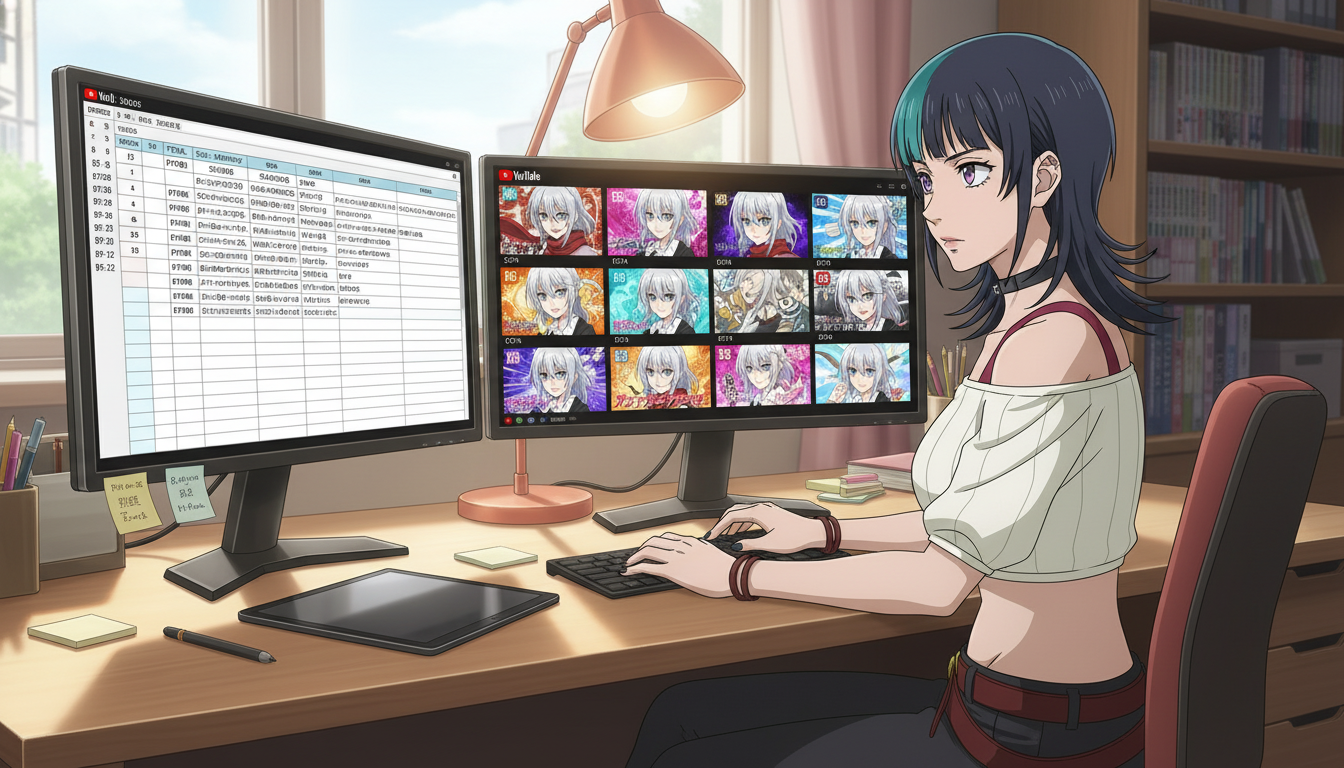
Creating an anime series with AI in 2026 is not a longer version of making one beautiful clip. It is production design: a cour-shaped grid, a protagonist who survives twelve public cells, and a still-to-motion chain that YouTube can classify as "more of this character in this world." Video creators on YouTube, TikTok, and Reels already know how to win a single generation. This guide is for the second skill: running a serialized ai anime video season without a studio, a writers' room, or a frame of hand-drawn animation between you and episode twelve.
You will plan on paper first, lock the lead in the character library, format beats into HOOK/TURN/LAND rows, generate stills, then animate from approved frames on the AI anime video generator. The AI anime prompt agent keeps screenplay nouns aligned with panel lines so episode seven does not quietly recast your heroine.
What a 2026 AI anime series actually is (and what it is not).
A series is a repeating contract with the viewer: same protagonist silhouette, numbered episodes, locations that return, and land beats that end on questions instead of resolutions. A folder of unrelated generations is a portfolio. YouTube's session graph rewards the first shape because it can recommend episode four to someone who finished episode three.
In 2026, that contract also applies to Shorts. Each forty-five-second cell is an episode card, not a disposable hook. Your anime video generator workflow should assume a playlist exists on day zero, even if only three cells are public. The difference between a one-off viral clip and a cour is recognition over time: steel gray eyes in episode one must still read as steel gray eyes in episode eleven.
This is not a pitch for replacing traditional animation. It is a production map for creators who already edit, title, and schedule like showrunners, but generate panels and motion with AI. If you need the launch-week rhythm after the grid exists, pair this guide with how to launch a trending anime series on YouTube in 2026. If the face drifts by mid-season, read keeping your protagonist identical across twelve episodes before you publish week two.
Step 1: Build the twelve-row production grid before you generate anything.
Open a spreadsheet with twelve rows. Each row is one public cell (Short first, long-form chapter later). Columns that matter:
- Episode: EP01 through EP12. Titles viewers will see, not internal codenames.
- Story beat: one sentence turn. "She finds the seal." "The rival names the price."
- Location tag: one noun you reuse. neon rain alley, festival gate, rooftop dusk.
- Emotion note: wary, furious, hollow victory. Drives expression sheets.
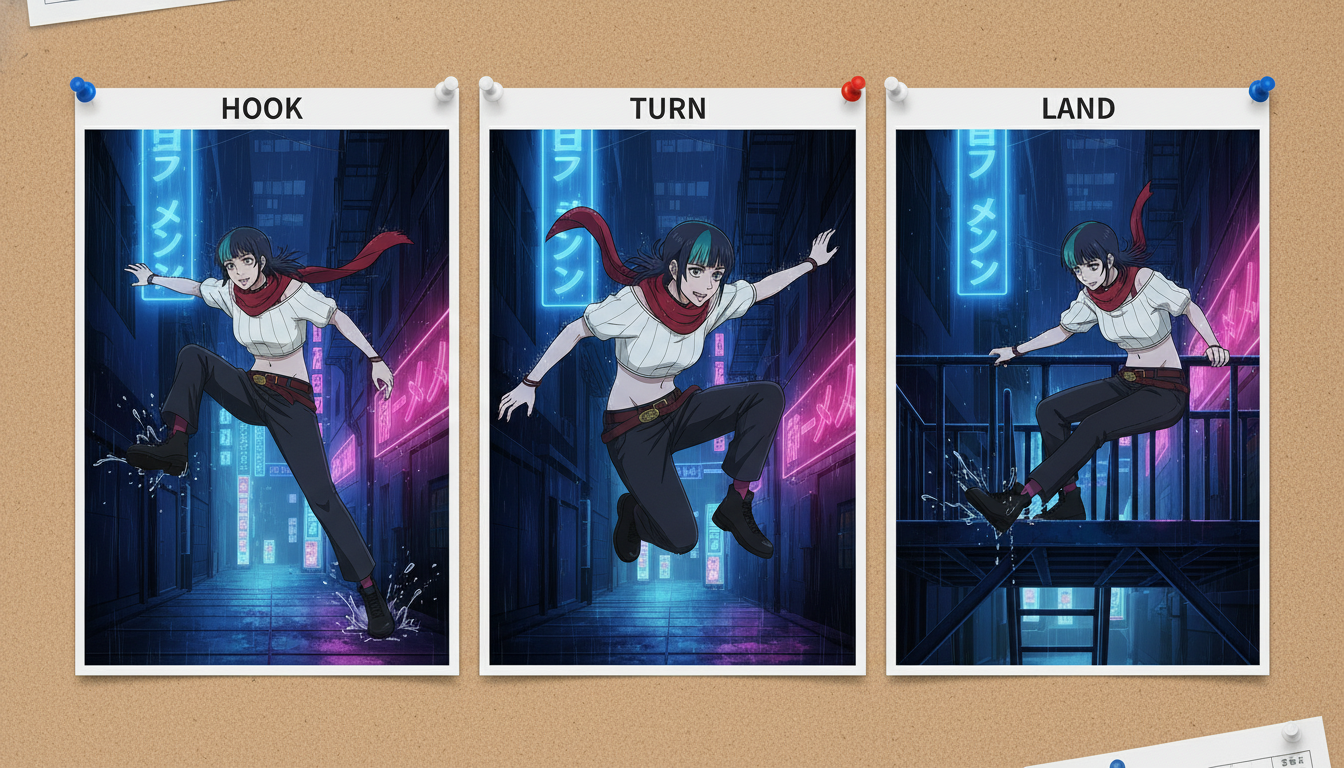
- HOOK / TURN / LAND: three screenplay lines per row, filled before generation day.
Do not leave rows blank past EP03. Empty rows are where hair color drifts under deadline pressure. Format rough notes into screenplay blocks with LLMs using the script to screenplay workflow, then paste the protagonist line unchanged into every row.
Example protagonist lock for every panel line:
"KIRARA, silver hair shoulder length, steel gray eyes, red scarf, medium close-up, neon rain alley, cool blue grade, shonen linework"
Step 2: Save the cast and forbid silent redesigns.
Before EP01 stills, save the lead in your character library. Capitalize the name in prompts: KIRARA, not "silver girl." The library is the production bible's face layer; your spreadsheet is the story layer. Generate expression batches (neutral, angry, surprised, sad) once, approve them, and tag which episode rows may use which emotion.
Secondary cast follows the same rule. If a rival appears in EP02 and EP09, create them once. Do not re-describe jawline or coat color on upload day nine. Wardrobe may change when the spreadsheet tags a story beat; eyes and hair do not change because the alley prompt felt warmer.
For a deeper character workflow, see maintaining character consistency in AI art and creating your own anime series with AI without a studio for cast-building from zero.
Step 3: Batch stills, then batch motion from approved frames.
Production week for a cour should feel like a table read followed by a storyboard pass, not like twelve separate panic uploads.
- Stills week: generate HOOK and LAND frames for EP01–EP04. QA protagonist match against the expression sheet.
- Motion week: animate from the approved still file, one verb per clip. Rain intensifies. She kneels. Seal flares.
- Edit week: stack three beats per Short, export thumbnails from the LAND still, write titles from the spreadsheet beat column.
Pass hook and land lines through the AI anime prompt agent so metadata and panel text share nouns. Motion prompts should never reintroduce the character from scratch; they inherit the saved design from the still.
Example motion line for the turn beat:
"From approved still: slow push-in, rain streaks brighten, KIRARA's eyes widen, scarf flutters, 3 seconds, cool blue grade holds"
Stack clips in your editor. Do not ask one generation to carry hook, turn, and land. Three small motions read better on Shorts than one overloaded prompt. For still-to-motion fundamentals, see from still image to animation and storyboarding AI anime for YouTube creators.
Step 4: Package uploads like a streaming catalog.
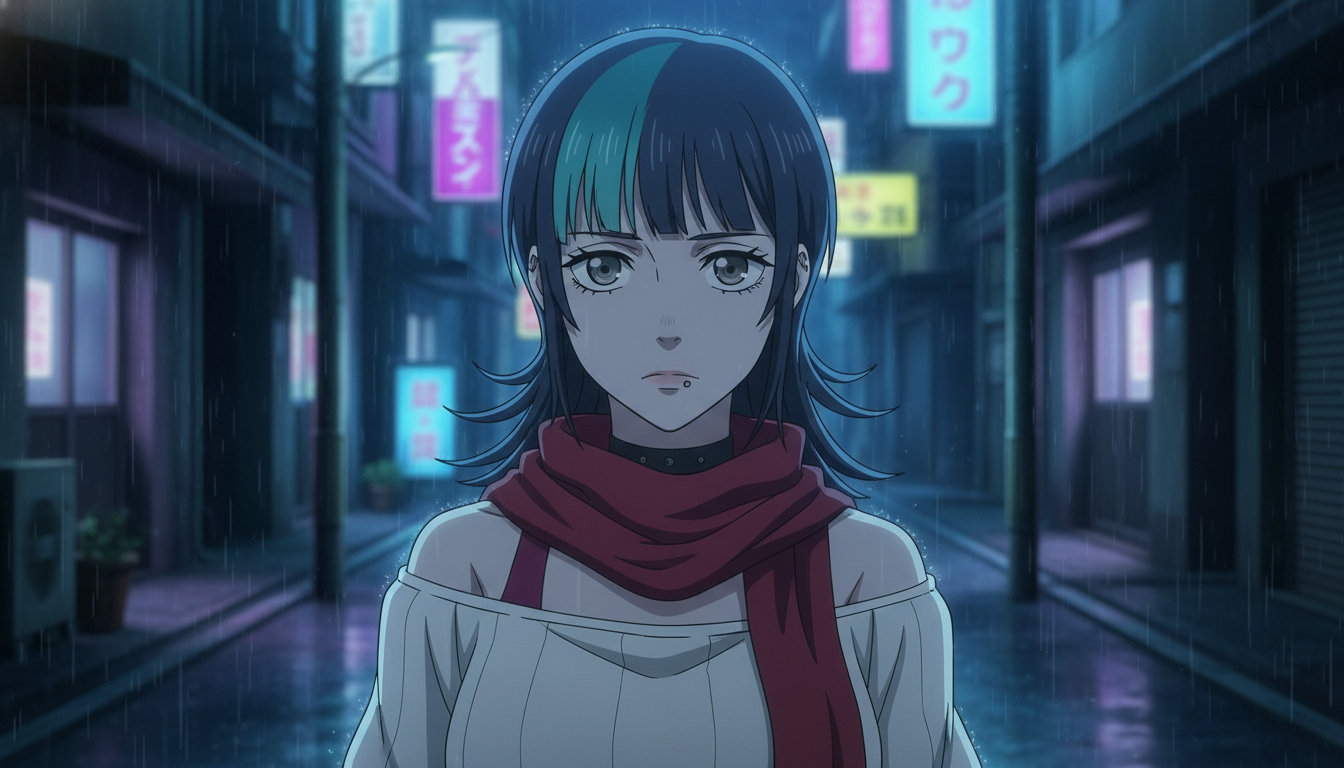
Titles should number episodes and name the turn, not the tool. "EP04 — The Seal Answers" beats "AI anime test 12." Build a playlist on day zero. Pin episode one. Reuse thumbnail face family: same heroine, same scarf, same eye read, different background turn.
Publish on a rhythm you can keep. A practical cour cadence for solo creators:
- Weeks 1–2: EP01–EP03 public, EP04–EP06 in reserve
- Weeks 3–4: EP04–EP06 public, batch stills for EP07–EP09
- Weeks 5–6: EP07–EP09 public, land beats tighten toward finale
- Weeks 7–8: EP10–EP12, compile long-form chapter when eight cells exist
Comments that ask "what happens next week" are a better signal than a single spike on episode one. Treat every land beat as a button ending. For tooling comparisons across generators, see best AI anime video tools in 2026 and creating an AI anime YouTube channel.
Frequently asked questions about creating an AI anime series in 2026.
How long should each episode be for YouTube Shorts?
Thirty to fifty-five seconds for three stacked beats is enough if the land ends on a question. AutoWeeb motion clips are sized for Shorts-first workflows; long-form is an edit layer once eight to twelve cells exist, not a separate character universe.
Do I need all twelve episodes written before EP01 goes live?
You need twelve one-sentence beats and three screenplay lines per row, not finished dialogue. AutoWeeb makes regenerating a single beat fast when the grid is filled; empty rows are what cause recasts under pressure.
Can AutoWeeb keep my protagonist identical for a full cour?
Yes, when you save the lead in the character library and reuse the same capitalized name and noun locks in every panel and motion line. AutoWeeb inherits the saved design into stills and video; the spreadsheet still forbids untagged wardrobe or eye changes. Consistency is discipline, and the platform rewards that discipline.
Should I mention AI in episode titles?
No on the fiction-facing title. Use AI keywords in the description's second paragraph if you want search overlap. Viewers subscribe to Kirara's alley, not to a model name. AutoWeeb fits in the workflow layer, not on the poster.
What if episode three underperforms?
Do not reboot the protagonist. Tighten the hook's first two seconds, strengthen the land question, and publish episode four on schedule. Serialized growth often appears around episodes five to seven when playlist session time accumulates. AutoWeeb lets you regenerate one beat without discarding the saved character anchor.
How is this different from a one-off viral anime clip?
A viral clip optimizes surprise once. A cour optimizes recognition repeatedly: numbered titles, playlist chain, same face, land beats that ask what happens next. AutoWeeb supports both, but the twelve-row grid above is built for the second goal.
Creating an anime series with AI in 2026 is a production promise: twelve named beats, one locked protagonist, stills approved before motion, and uploads packaged like a show viewers can binge. Fill the grid, save the face, storyboard the land, then ship EP01 like episode card one of many. When the cour rhythm holds, continue with launching a trending anime series on YouTube and best AI anime tools for YouTube creators in 2026 for discovery and tooling depth beyond the spreadsheet.
Related Blog Posts
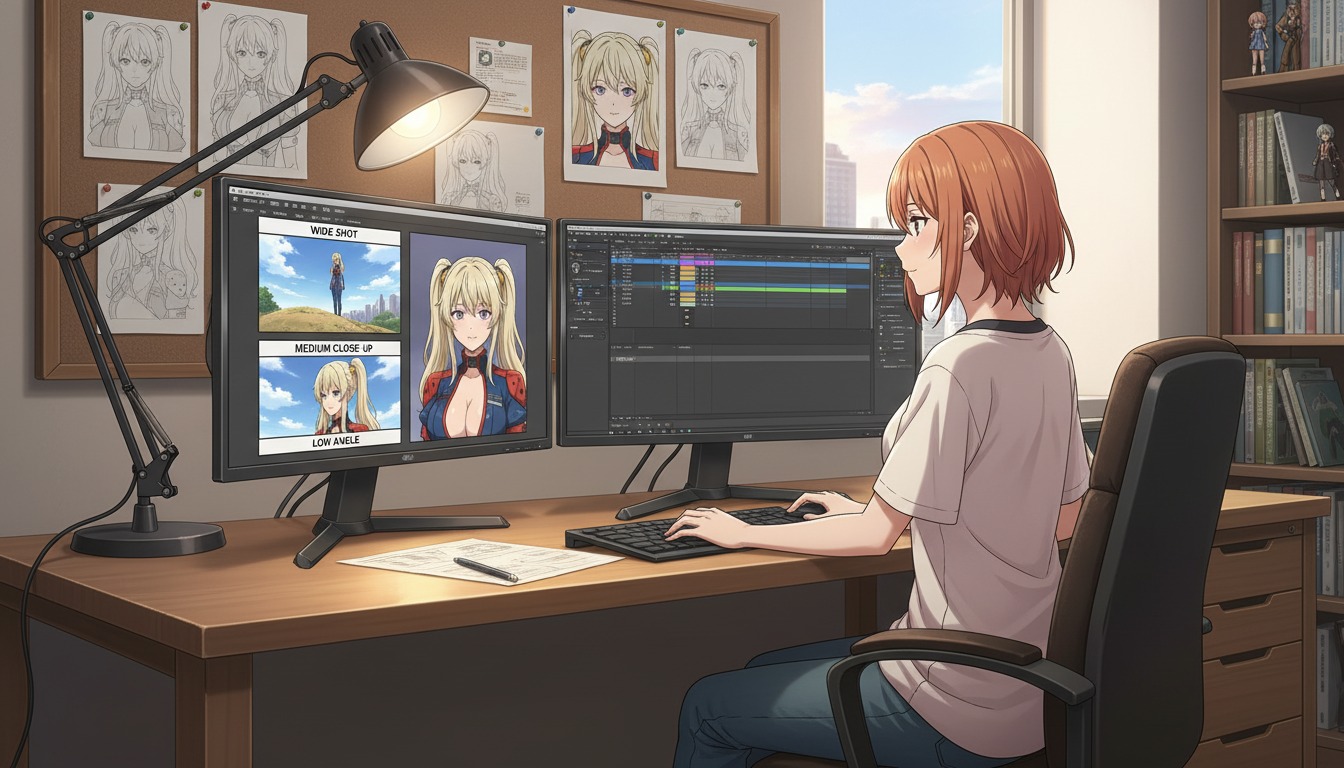
Cinematic Angles 101: How to Frame Your AI Anime Art Like a Professional Director
Wide shots, close-ups, and low angles are not decoration. They are how YouTube viewers feel stakes before a single line of dialogue lands.
Learn cinematic angles for AI anime video: frame hooks, turns, and lands like a director. Shot sizes, eyelines, and prompt language for YouTube and Shorts creators using AutoWeeb.
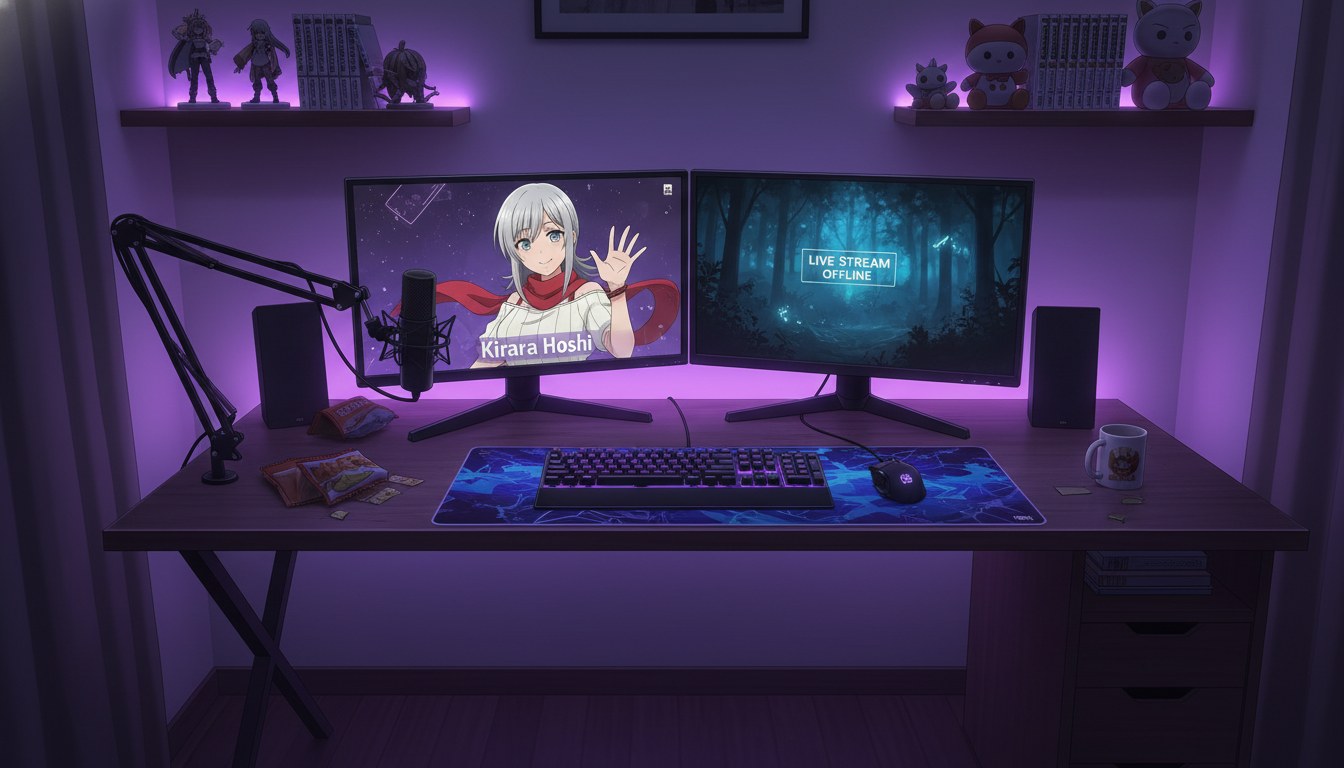
From Photo to VTuber Avatar: Designing Your Virtual Identity for YouTube
Your face becomes the anchor. Your anime model becomes the brand viewers recognize every stream, Short, and debut.
Turn a photo into a VTuber-style anime avatar for YouTube. Design a virtual identity with locked characters, expression sheets, and AI anime video clips that stay on-model.
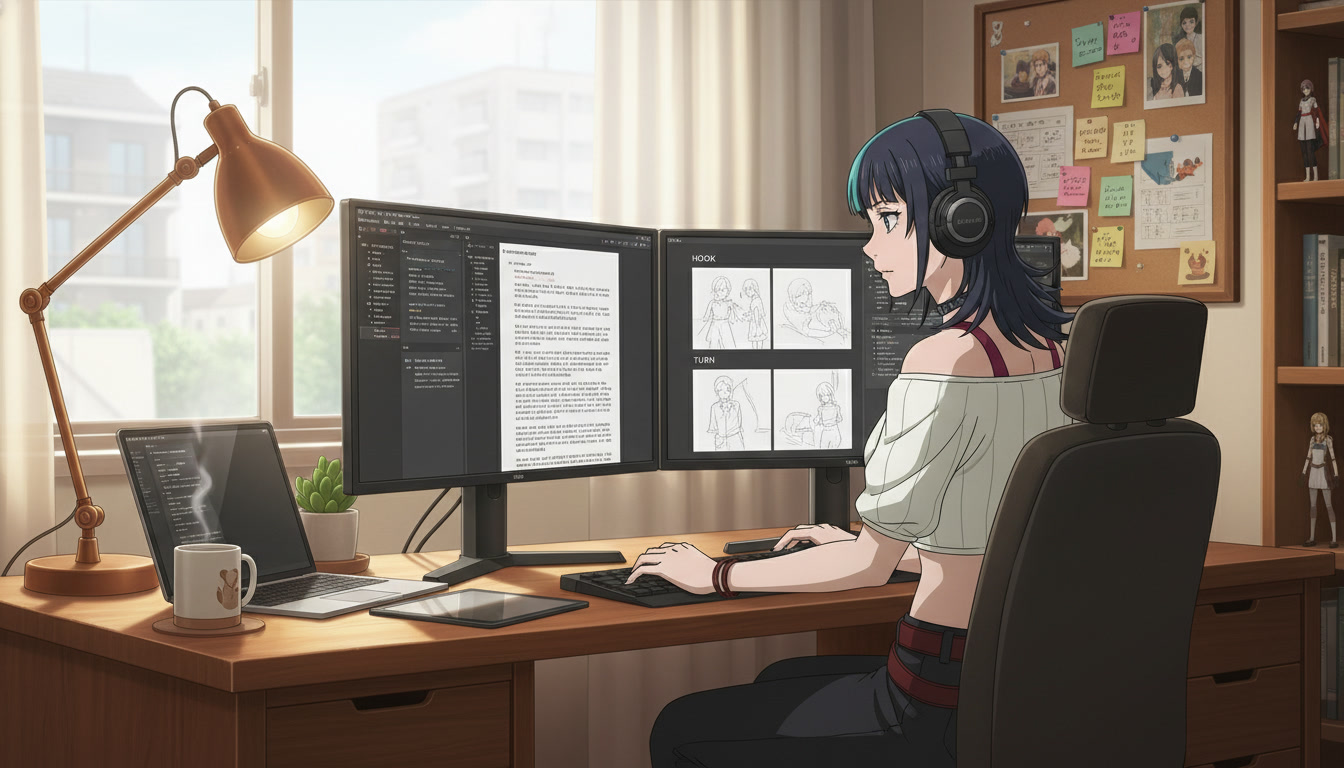
From Script to Screenplay: Using LLMs to Format Anime Scripts for Better Video AI Prompts
Your rough idea is not the problem. Unstructured prose is. A screenplay-shaped doc is how YouTube creators turn one paragraph into repeatable Seedance panels.
Learn how to use LLMs to format anime scripts into screenplays for better AI video prompts. A practical workflow for YouTube creators using beat sheets, panel lines, and AutoWeeb.
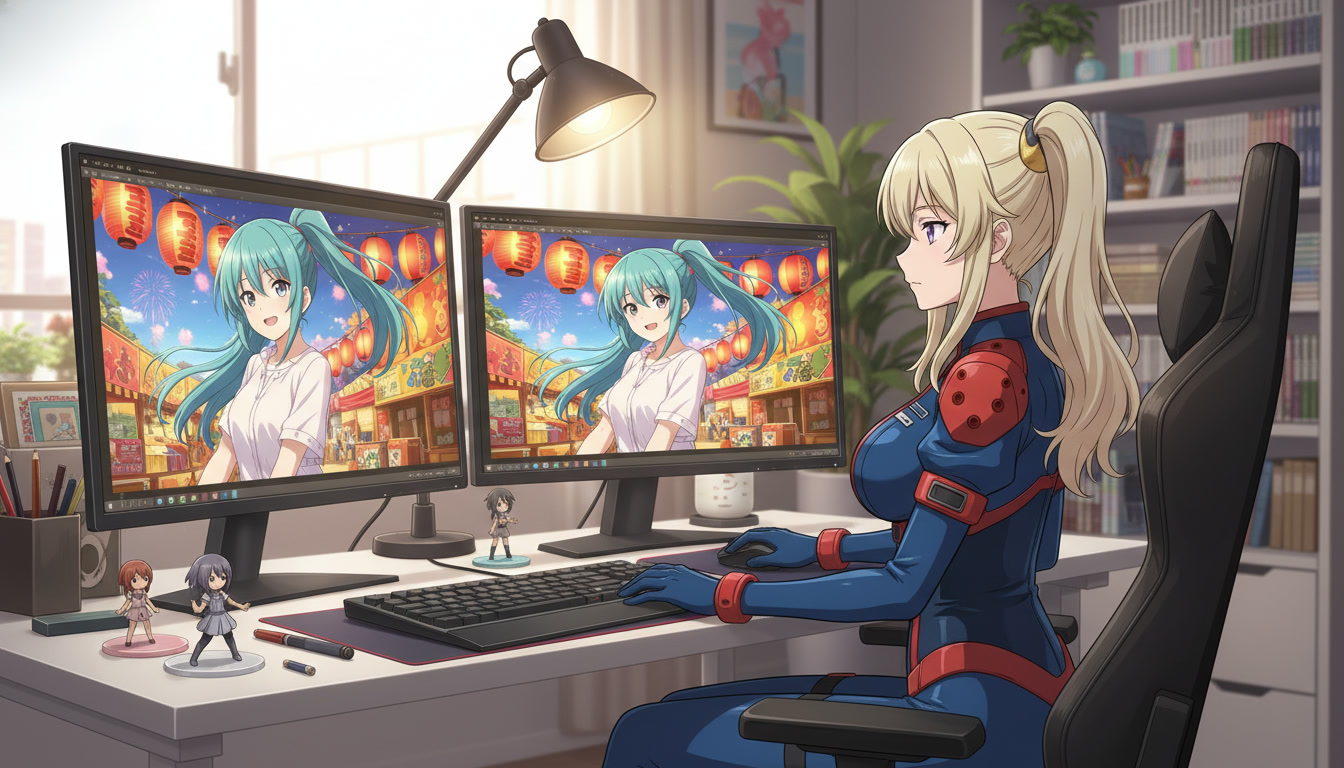
From Still Image to Animation: Bringing Your Art to Life in One Click
Turn a locked anime still into a Shorts-ready clip without redrawing the frame or re-describing your protagonist from scratch.
Learn how to turn a still anime image into AI video for YouTube Shorts. A still-to-motion workflow with locked characters, motion prompts, and AutoWeeb's anime video generator.
Explore AutoWeeb
Jump into the tool that fits your creative step.
AI Anime Video Generator
Animate storyboard shots into cinematic clips with Seedance 2 and consistent characters.
Anime Character Creator
Design original characters with consistent sheets across every scene.
AI Anime Image Generator
Generate cinematic anime stills anchored to your character library.
Anime Filters
Upload any photo and apply AI anime filters to turn it into stunning anime art in seconds.
AI Anime Location Generator
Create a location set once, then generate reference images from every angle.
AI Anime Storyboarding
Describe your idea, pick your characters, and let AI draft the script and scenes.
AI Anime Prompt Agent
Turn a rough idea into a cinematic Seedance 2 prompt with the AI Director.